Guide summary
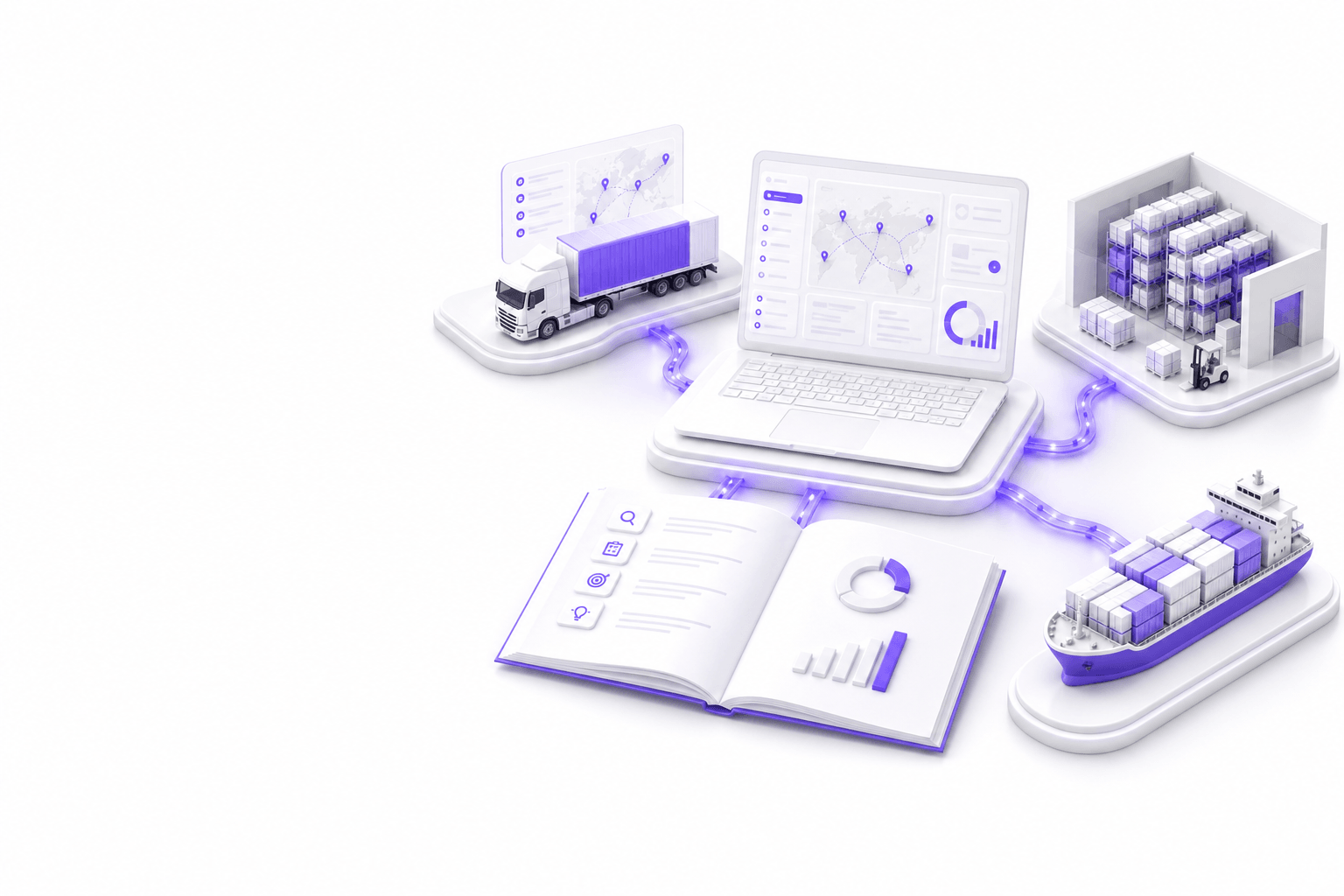
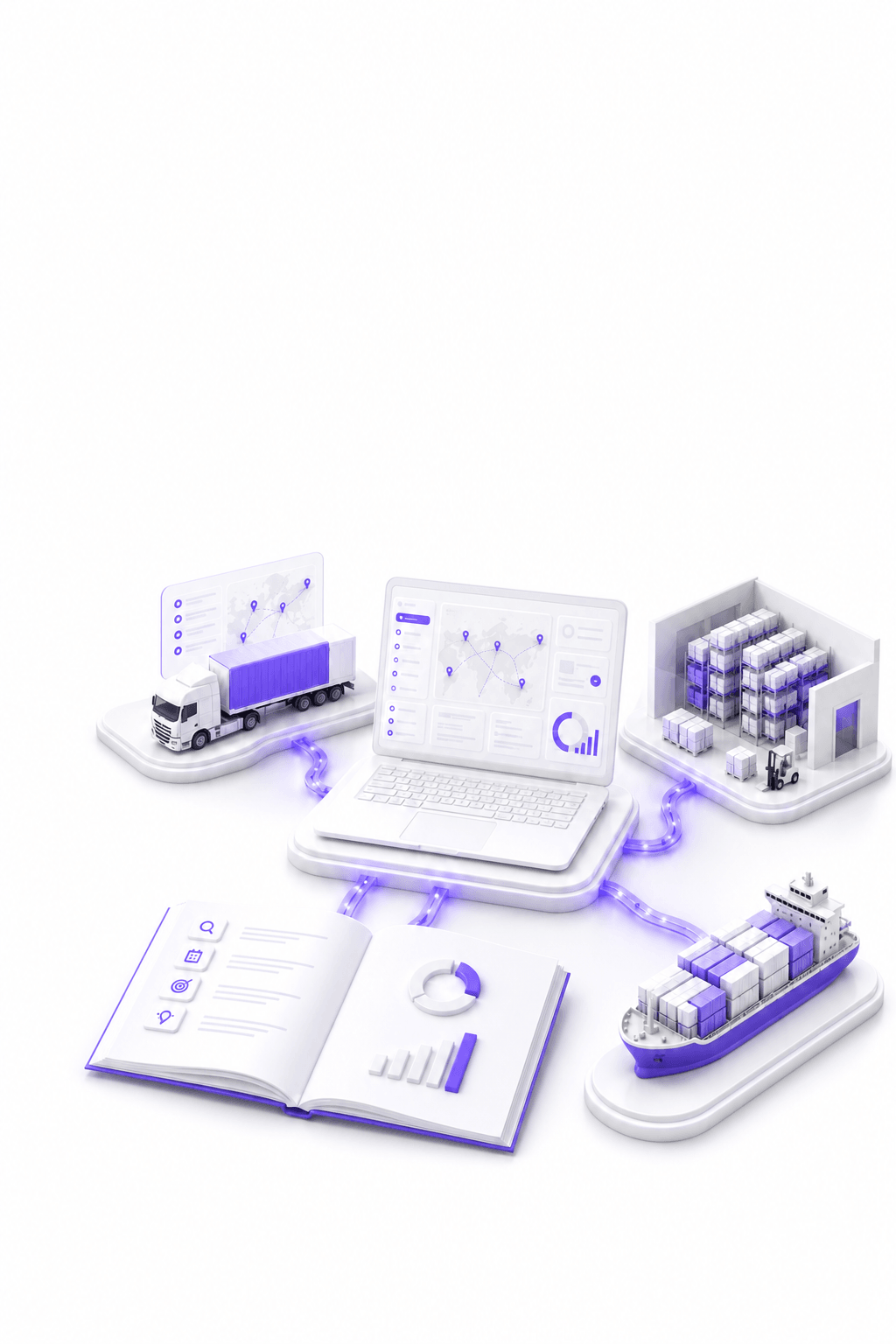
Logistics software development is designing custom systems for transport, warehousing, portals, dashboards, control towers, and TMS/WMS integrations—usually as layers around existing ERP and execution systems.
- Covers customer portals, carrier portals, dashboards and control towers
- Connects transport management systems, warehouse management systems and ERP
- Uses API, EDI, XML, CSV and SFTP with data quality and audit trails
- Often hybrid: standard execution cores plus custom experience layers
- Measured by shipment visibility, exception handling and reduced manual work
Direct answer
What is logistics software development?
Logistics software development is designing custom systems for transport, warehousing, portals, dashboards, control towers, and TMS/WMS integrations—usually as layers around existing ERP and execution systems.
- Covers customer portals, carrier portals, dashboards and control towers
- Connects transport management systems, warehouse management systems and ERP
- Uses API, EDI, XML, CSV and SFTP with data quality and audit trails
- Often hybrid: standard execution cores plus custom experience layers
- Measured by shipment visibility, exception handling and reduced manual work
Definition
Logistics software development is the engineering discipline of creating software that supports how goods move, are stored, documented, and billed across a network. It includes for customers products such as portals and tracking experiences, logistics company tools such as control towers and exception queues, and integration layers that keep transport management systems, warehouse management systems, enterprise resource planning, carrier, and partner systems aligned.
Unlike generic SaaS configuration, logistics software development reflects how your lanes, service products, warehouse workflows, order intake, proof of delivery processes, and partner contracts actually work, with human review review where automation touches customer commitments or financial records.
4RTY builds digital products for modern logistics, software that logistics teams trust because shipment visibility, documents, and tasks match what dispatch and warehouse teams see internally, with audit trails when data quality fails.
Common logistics software types
Logistics organizations rarely rely on a single application. They combine core execution systems, experience layers, and integration middleware. Understanding the types helps you scope build vs buy and avoid duplicating system-of-record responsibilities.
Transport management (TMS)
Planning, dispatch, carrier assignment, milestones, freight audit, and transport billing, often the system of record for shipments and charges.
Warehouse management (WMS)
Receiving, putaway, picking, packing, inventory, and ship confirm events that must align with transport plans and customer promises.
ERP and finance
Orders, parties, contracts, invoicing, and master data that logistics workflows depend on for accurate billing and compliance.
Customer and partner portals
self service booking, status, documents, claims, and structured requests, reducing repetitive email to customer service.
Control towers and dashboards
Role-based views that aggregate exceptions across TMS, WMS, and carrier feeds so teams act on risk, not only report on it.
Automation and AI layers
Document intake, inbox routing, reconciliation, and agent workflows with guardrails, often the highest ROI custom layer.
TMS, WMS and ERP integrations
Most logistics software projects succeed or fail on integration design. Before UI screens, decide which system owns shipments, inventory events, charges, parties, and documents. Avoid two masters without sync discipline, idempotency keys, and quarantine paths for bad messages.
Integrations typically use APIs, EDI, XML, CSV, and SFTP file drops depending on partner maturity. A capable TMS with weak write APIs can cost more than a focused custom portal fed by stable read feeds plus controlled writes.
Plan for validation at boundaries: schema checks, duplicate detection, milestone definitions, and logistics company tools to correct quarantined records without opening IT tickets for every mismatch.
- Define canonical ownership per entity: shipment, order line, inventory, charge, document
- Prototype read and write paths on real message samples before committing architecture
- Monitor sync lag, error rates, and reconciliation queues from day one of pilot
- Document cutover and rollback paths for peak-season safety
Customer and carrier portals
Customer portals expose shipment truth, documents, and structured requests, bookings, claims, appointment changes, with permissions tuned per account tier. They reduce email volume when statuses match TMS milestones and document attachments are reliable.
Carrier portals and collaboration tools support tender acceptance, status updates, document upload, and exception communication. They matter when your network includes many carriers with uneven EDI maturity and you need a consistent operational interface.
Portal projects fail when data freshness lags dispatch reality or when workflows stop at display-only screens. Plan write paths, notification rules, audit trails, and fallback to human review for high-risk requests.
Dashboards and control towers
Dashboards summarize KPIs for leadership; control towers prioritize exceptions for logistics teams. In logistics, trusted views combine TMS milestones, WMS events, carrier updates, and document status with severity rules your team recognizes.
Design role-first: dispatch, customer service, warehouse supervisors, and finance each need different defaults, filters, and drill-down to tasks. that puts exceptions first layouts beat vanity charts when the goal is faster resolution.
Data freshness rules belong in the product spec, near-real time for operations, batch acceptable for some finance views, with visible timestamps so users know when to trust a number.
Automation and AI
Automation in logistics covers rules-based workflows, milestone triggers, file transforms, EDI acknowledgements, and AI-assisted steps for unstructured inputs such as emails, scans, and free-text carrier updates.
high value automation targets include document processing (POD, CMR, commercial invoice), inbox triage, ETA exception detection, invoice reconciliation, and claims intake. AI adds flexible interpretation; guardrails, logging, and human review keep production safe.
Start with named workflows, measurable handling time, and integration back to TMS or task queues. Expand scope only after pilot stability through a peak period.
Examples in practice
Examples of logistics software development in practice include: a customer portal that pulls live milestones from the TMS and attaches PODs automatically; a control tower that merges WMS ship confirms with transport delays and assigns tasks to dispatch; an inbox agent that classifies booking emails and creates draft TMS records for review; and a reconciliation tool that compares carrier invoices to contracted rates and quarantines mismatches.
These are not generic templates, each reflects lane mix, account structure, and integration constraints. The pattern is consistent: reduce manual re-keying, align systems, and give logistics companies one place to act on exceptions.
Build vs buy
Most logistics companies use a hybrid model: off the shelf TMS or WMS for core execution, custom software for portals, control towers, automation, and integration layers where differentiation and margin live.
Buy when standard product capabilities match your operating model and integrations are achievable with acceptable effort. Build when customer experience, network coordination, or automation is strategic and product gaps would require persistent manual workarounds.
Compare total cost, implementation, integrations, data migration, training, upgrades, and remaining manual work. Not license price alone. Validate with a bounded pilot on one lane, region, or account segment before enterprise-wide commitments.
Planning checklist
Use this checklist before engaging vendors or internal teams. It keeps discovery grounded in operations rather than feature wish lists.
- Name workflow owners and baseline manual handling time for top pain points
- List systems of record: TMS, WMS, ERP, CRM, carrier feeds, document stores
- Define canonical data ownership and integration paths (API, EDI, XML, CSV, SFTP)
- Prioritize one vertical slice, complete workflow from input to outcome
- Specify portal roles, permissions, and write vs read boundaries
- Set dashboard freshness rules and exception severity model
- Plan security, audit logs, and peak-season cutover windows
- Define MVP vs later phases with measurable adoption KPIs
Systems 4RTY builds
4RTY builds operational software around the workflows logistics teams run every day. Not generic templates disconnected from TMS, WMS and ERP data. Each system below connects to real shipment, inventory, document and partner records with audit trails and human-in-the-loop review where risk requires it.
Customer portals: Branded self-service for shippers and consignees. Connects to TMS milestones, WMS ship events, ERP orders and document stores. Improves order intake, shipment visibility, proof of delivery access and exception communication without duplicating system-of-record data.
Carrier portals: Structured collaboration for tenders, status updates, documents and confirmations. Connects to TMS dispatch, carrier API feeds, EDI and email intake. Improves transport planning handoffs, proof of delivery collection and carrier exception handling.
TMS, WMS and ERP integrations: Middleware and data pipelines that align transport, warehouse and finance records. Connects through API, EDI, XML, CSV and SFTP with validation and quarantine at boundaries. Improves data quality, reduces re-keying and keeps portals and dashboards trustworthy.
Operational dashboards: Role-based KPI and throughput views for dispatch, warehouse and customer service. Connects to TMS, WMS, ERP and carrier feeds with agreed metric definitions. Improves daily operational decisions and reduces spreadsheet reporting.
Control towers: Exception-first views that rank risk across transport and warehouse milestones. Connects to multi-source feeds with severity rules and assignment queues. Improves exception handling, SLA visibility and cross-team coordination.
AI agents: Tool-connected assistants for status lookup, triage and structured responses with permissions and logging. Connects to TMS, WMS, inboxes and knowledge bases. Improves response time on repetitive operational queries while keeping humans accountable for approvals.
AI document processing: Classification and field extraction for POD, invoice, customs and booking documents. Connects to document stores, OCR pipelines and shipment records in TMS or WMS. Improves order intake speed and reduces manual document handling.
Supply-chain visibility platforms: Network views of inventory, milestones and partner events across sites and lanes. Connects to TMS, WMS, ERP and partner feeds. Improves supply-chain visibility, proactive exception routing and account-level service.
Freight claims systems: Structured intake, evidence collection and resolution workflows for damage, shortage and delay claims. Connects to TMS events, WMS records and document attachments. Improves claims cycle time and audit trail quality.
Pallet asset management systems: Tracking pool assets, balances and movements across depots, carriers and customers. Connects to WMS move data, carrier status and partner portals. Improves asset reconciliation and reduces dispute volume.
When to build, buy or integrate
Logistics software decisions are workflow decisions. The same company often buys core execution, builds differentiation layers and integrates what already works but does not share data.
- Buy when the workflow is standard, core TMS, WMS or ERP execution, commodity reporting, or modules that match how your sites already operate with acceptable configuration effort.
- Build when the workflow creates competitive advantage, customer portal experience, control tower exception playbooks, AI document automation, or network coordination that licensed products cannot model without persistent manual workarounds.
- Integrate when good systems are disconnected, separate TMS, WMS, ERP, carrier and partner tools that each hold truth for part of the shipment lifecycle but force logistics teams to re-key, email, or reconcile in spreadsheets.
- Use a hybrid approach when speed and control both matter, keep proven cores, add a custom portal or automation slice with clear ROI, and phase expansion after integration trust and team adoption are proven through peak volume.
Key takeaway
4RTY is a fit when a logistics team needs custom software that connects real operational workflows: customer and carrier portals, operational dashboards, control towers, TMS, WMS and ERP integrations, AI document processing, exception handling with audit trails, and scalable products logistics teams trust during peak volume. Not slide decks or disconnected tools.
Implementation
Practical implementation checklist
- Document top ten workflows and current manual steps
- Inventory integration endpoints and sample messages
- Score build vs buy per workflow, not once for the whole enterprise
- Prototype one integration read/write on production-like data
- Align customer service, dispatch, and warehouse on milestone definitions
- Define MVP scope with logistics company sign-off
- Plan monitoring, quarantine queues, and rollback before launch
Pitfalls
Common mistakes to avoid
Starting with screens before integration truth
Portals and dashboards that show stale TMS data erode trust faster than no portal at all.
Duplicating system-of-record entities
Custom apps that own shipment master data without sync discipline create permanent reconciliation work.
Underspecifying exception handling
Happy-path automation breaks on forwards, missing references, and partial scans unless quarantine paths exist.
Big-bang cutover before peak validation
Enterprise launches without pilot reconciliation amplify service and data risk.
FAQ
Frequently asked questions
What is logistics software development?
Logistics software development is the design and engineering of custom systems for transport, warehousing, shipment visibility, customer and carrier portals, operational dashboards, control towers, order intake, proof of delivery, exception handling, and automation, integrated with transport management systems, warehouse management systems, and enterprise resource planning through API, EDI, XML, CSV, or SFTP rather than replacing every core platform immediately.
Does logistics software development replace TMS or WMS?
Usually not on day one. Most projects extend existing transport and warehouse execution with for customers portals, control towers, AI document processing, and integration middleware. The goal is trustworthy shipment visibility and faster exception handling while keeping clear system-of-record ownership, data quality checks, quarantine paths for bad messages, and audit trails logistics companies can use without opening IT tickets for every mismatch.
What integrations are most common in logistics software?
API, EDI, XML, CSV, and SFTP connections between TMS, WMS, ERP, carrier systems, and partner platforms are most common. Strong projects define canonical entities for shipments, orders, inventory, and documents, validate at integration boundaries, monitor sync lag, and give logistics companies tools to repair quarantined records so portals and dashboards stay aligned with operational truth.
When should a company build custom logistics software?
Build when differentiated customer portal experience, control tower exception playbooks, AI agents, or cross-system coordination creates competitive advantage and licensed products would require persistent manual workarounds. Buy when standard execution modules fit. Integrate when capable TMS, WMS, and ERP systems remain disconnected. Hybrid delivery is typical when speed and control both matter.
Can 4RTY help with logistics software development?
Yes. 4RTY builds digital products for modern logistics, custom portals, operational dashboards, TMS and WMS integrations, AI document automation, and scalable software scoped to real workflows with phased MVP delivery, team adoption in scope, and measurable outcomes such as reduced manual handling and faster exception resolution.
Related services
Service
Logistics Software Development
Build custom logistics software, portals, dashboards and TMS/WMS/ERP integrations for modern transport, warehouse and supply-chain teams.
Service
Supply Chain Software Development
Network visibility, planning views, and partner or vendor coordination across inventory and shipments—connected to TMS, WMS and ERP.
Related solutions
Solution
Customer Portal Development for Logistics Companies
4RTY builds logistics customer portals for shipment visibility, document access, booking requests and operational self-service connected to TMS, WMS and ERP.
Solution
TMS, WMS and ERP Integration for Logistics Operations
4RTY builds TMS, WMS and ERP integrations for logistics operations, synchronizing orders, inventory, shipments, milestones and finance data across operational systems.
Related guides
Guide
How to Roadmap Logistics Software That Ships
A practical framework for logistics software roadmaps, outcome-based prioritization, discovery with logistics teams, integration reality checks, vertical slices, milestones and governance that keeps products shipping.
Guide
Software Development Planning for Logistics | 4RTY
Plan logistics platforms with workflow mapping, MVP scope, architecture, integrations, UX, security, testing and launch roadmap.
Guide
Logistics Software Development Cost | 4RTY
Understand what affects logistics software cost: integrations, portals, roles, dashboards, AI features, migration, security and scope.
Related decision guides
Decision
Build vs Buy Logistics Software
Build vs buy logistics software: a decision framework for when to buy standard products, build custom workflows, integrate disconnected systems, or use a hybrid approach.
Decision
Custom Logistics Software vs SaaS
Compare custom logistics software with generic SaaS and TMS/WMS extensions, cost, flexibility, integrations, ownership, speed, scalability and when to choose each for modern logistics operations.