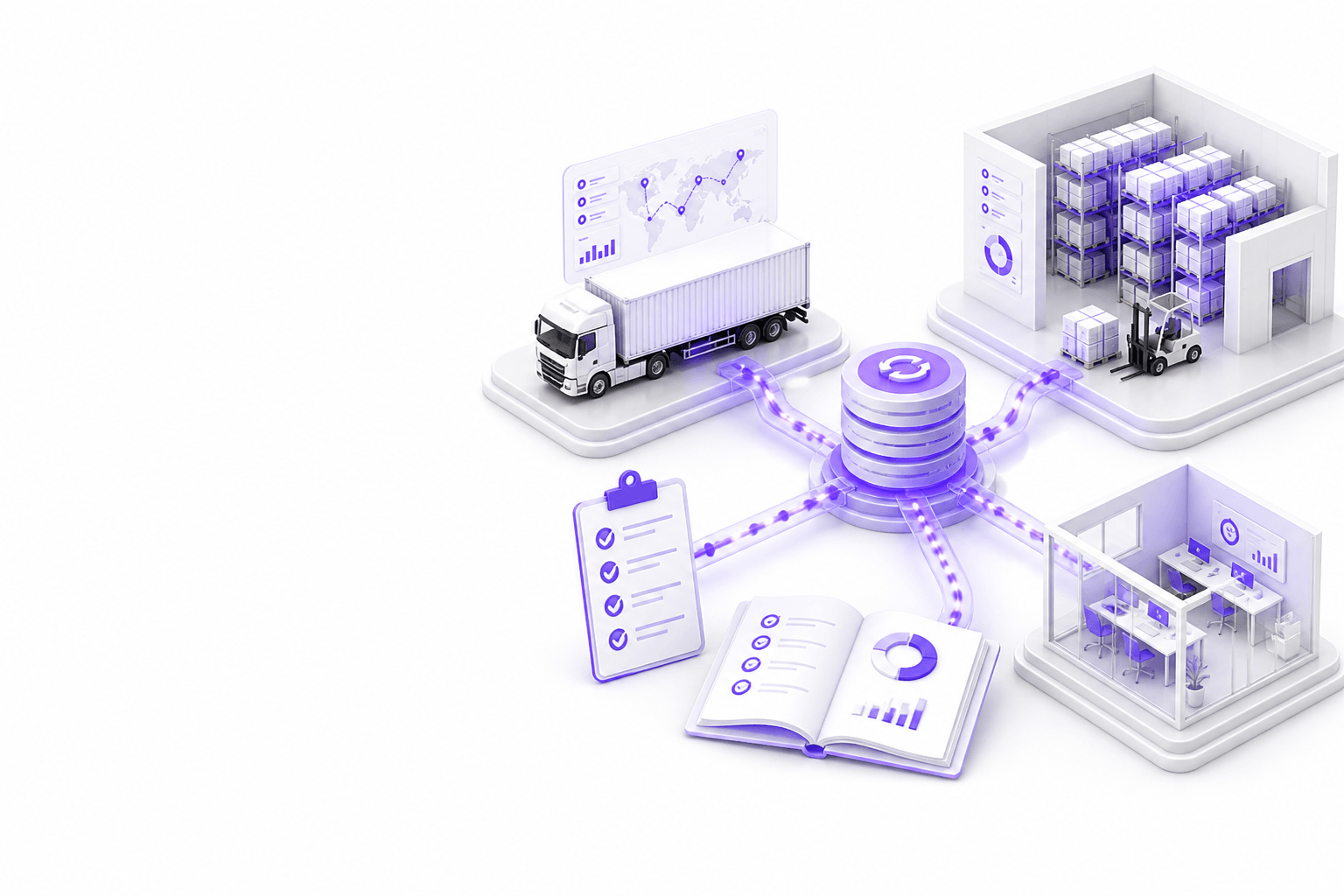
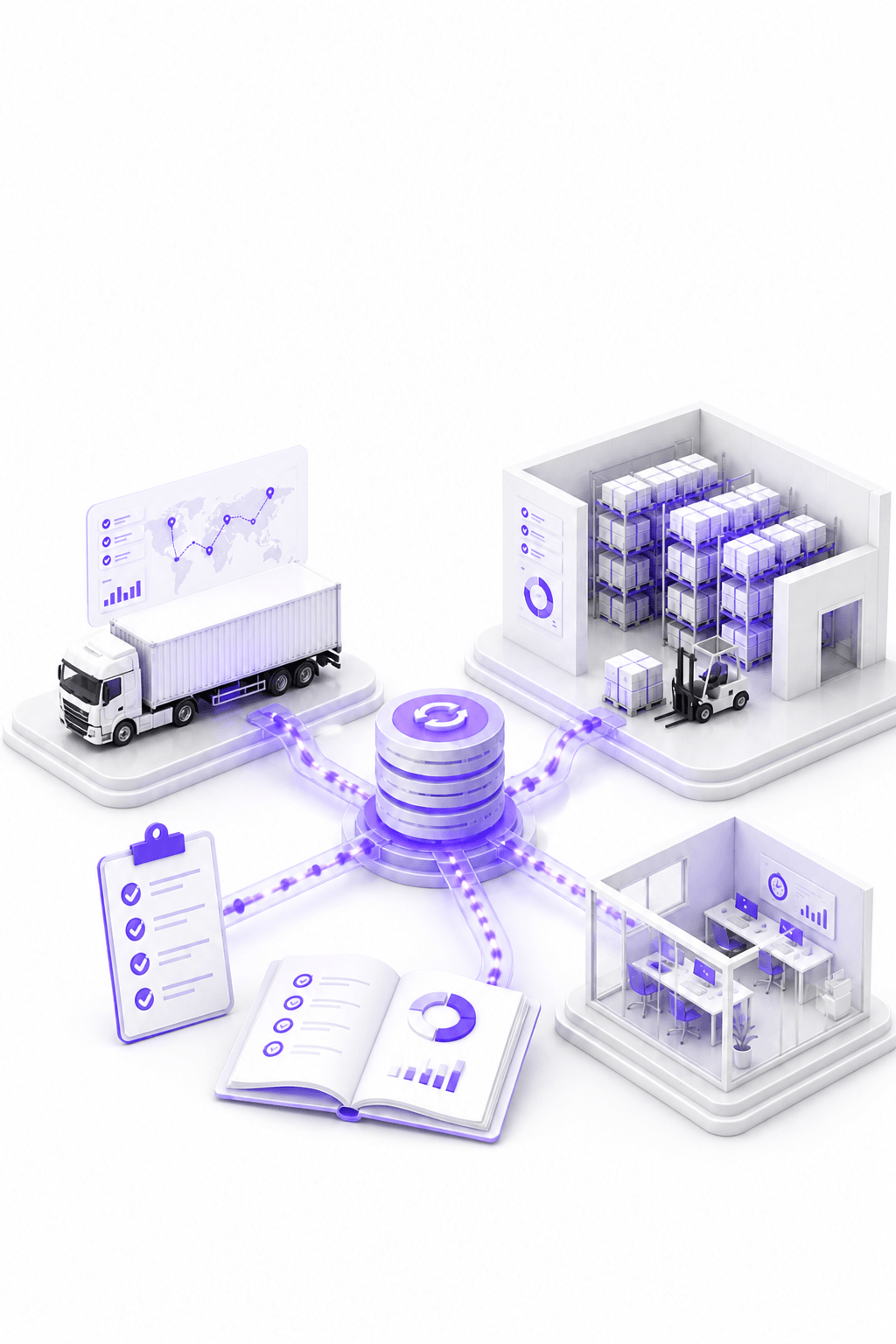
플레이북 요약
엔티티별 시스템 소유와 source of truth, 샌드박스 샘플이 있는 API·파일 옵션, 마스터 데이터 정렬, idempotency가 있는 shipment/order/stock 이벤트 매핑, 격리와 재시도, 인증과 감사, 테스트 harness, 프로덕션 모니터링, 문서화된 수동 폴백을 검증하세요.
- 엔티티당 하나의 owner: 이중 master 방지
- 실제 EDI, XML, CSV, SFTP 또는 API 샘플로 프로토타입
- 운영자 수정 도구가 있는 격리
- 지연, 오류, 대사를 매일 모니터링
- 성수기 cutover 전 rollback 문서화
직접 답변
TMS, WMS, ERP 통합 전에 무엇을 검증해야 하나?
엔티티별 시스템 소유와 source of truth, 샌드박스 샘플이 있는 API·파일 옵션, 마스터 데이터 정렬, idempotency가 있는 shipment/order/stock 이벤트 매핑, 격리와 재시도, 인증과 감사, 테스트 harness, 프로덕션 모니터링, 문서화된 수동 폴백을 검증하세요.
- 엔티티당 하나의 owner: 이중 master 방지
- 실제 EDI, XML, CSV, SFTP 또는 API 샘플로 프로토타입
- 운영자 수정 도구가 있는 격리
- 지연, 오류, 대사를 매일 모니터링
- 성수기 cutover 전 rollback 문서화
System ownership
Every integration argument starts with ownership. Decide which system creates, updates, and archives shipments, orders, inventory, charges, and documents before mapping fields.
- Assign owner system per entity: shipment, order, line, stock, charge
- Document read-only vs read-write roles for each connected system
- Identify legacy systems that cannot be replaced in phase one
- Confirm vendor contacts and upgrade windows for TMS, WMS, ERP
- Align ownership with finance and operations leadership
- Record decisions in architecture doc accessible to support teams
- Review ownership when adding portals or automation layers
Source of truth
Source of truth defines which status, quantity, or charge is authoritative when systems disagree. Without it, portals and towers show conflicting answers.
- Define authoritative milestone set for for customers status
- Specify which inventory figure WMS vs ERP reports externally
- Document charge calculation owner: TMS, ERP, or middleware
- Plan conflict resolution when feeds disagree
- Set freshness SLA per data type for downstream consumers
- Avoid copying master data into multiple writable stores
- Validate truth rules with customer service and dispatch
API availability
API maturity varies by vendor and tenant. Inventory available endpoints, auth models, rate limits, webhooks, and sandbox fidelity before estimating build effort.
- List required operations: read status, create order, confirm ship, etc.
- Obtain API docs, credentials, and sandbox for each system
- Test rate limits and pagination on realistic volumes
- Confirm webhook or polling strategy for near-real time needs
- Document version deprecation notices from vendors
- Plan middleware if direct API-to-API is impractical
- Capture gaps where only batch files exist
EDI, XML, CSV and SFTP options
Many logistics integrations still run on EDI, XML, CSV, or SFTP drops. Treat file specs as contracts, with validation, archives, and replay.
- Collect partner implementation guides and sample files
- Document delimiter, encoding, and filename conventions
- Define acknowledgment and error report formats
- Archive inbound and outbound files with retention policy
- Validate schema before processing, reject early
- Plan reprocessing for corrected files without duplicates
- Secure SFTP keys and rotate per security policy
Master data alignment
Integrations break on mismatched party IDs, locations, SKUs, and service codes. Master data alignment is ongoing. Not a one-time migration task.
- Map customer, carrier, location, and product identifiers cross-system
- Define process for new account or SKU onboarding
- Plan golden record or sync rules for parties and addresses
- Handle aliases and legacy codes used by specific carriers
- Schedule periodic reconciliation reports for master data drift
- Assign data steward for exception resolution
- Test mapping with top accounts and highest-volume SKUs
Shipment, order and stock event mapping
Event mapping translates operational reality into messages each system understands, ship confirm, pick complete, POD, invoice line, inventory adjustment.
- List events per workflow: create, update, cancel, close
- Map event fields to target schema with transformation rules
- Define idempotency keys to prevent duplicate processing
- Document partial shipment and backorder behavior
- Align milestone names with customer portal language
- Handle timezone and cut-off rules explicitly
- Version mappings when vendors change code lists
Error handling
Errors are normal at logistics boundaries. Design quarantine, retry, notification, and exception fixes from the team. Not silent failure or infinite retry loops.
- Categorize errors: validation, auth, timeout, business rule
- Build quarantine queue with reason codes and payload view
- Set retry policy with exponential backoff and max attempts
- Notify owners when error rate exceeds threshold
- Allow reprocess after fix without duplicate side effects
- Log correlation IDs across systems for support
- Review top error patterns weekly during pilot
Security and authentication
Integration credentials are high value targets. Use least privilege, secret rotation, and network controls appropriate to customer requirements.
- Store secrets in managed vault. Not source code
- Use OAuth, API keys, or certificates per vendor best practice
- Restrict IP allowlists where SFTP or fixed endpoints apply
- Separate production and non-production credentials
- Audit credential access and rotation schedule
- Encrypt data in transit; consider at-rest for queued payloads
- Align with customer security questionnaires early
Audit logs
Audit logs support disputes, compliance, and debugging. Log who triggered syncs, what changed, and which integration version ran.
- Log inbound/outbound message IDs and timestamps
- Record transformation version and mapping applied
- Track manual reprocess actions with user identity
- Retain logs per contract and regulatory needs
- Make shipment-level trace available to support tools
- Exclude sensitive fields from logs where required
- Test log search during UAT scenarios
Testing
Integration testing needs fixture libraries, negative cases, and peak-volume rehearsal. Not only happy-path demos.
- Build fixture set from anonymized production samples
- Test duplicate, missing reference, and partial updates
- Simulate vendor timeout and auth failure
- Run load test on batch windows if applicable
- Include regression suite in CI for mapping changes
- UAT with logistics companies on real exception cases
- Sign off criteria tied to sync accuracy. Not ticket closure
Monitoring
Production monitoring covers lag, error rates, queue depth, and reconciliation gaps, visible to integration owners before customers notice.
- Dashboard lag per feed and entity type
- Alert on error rate, queue depth, and stale data
- Daily reconciliation report for critical entities
- Runbook links from alerts to first-response steps
- On-call rotation for integration incidents
- Review monitoring after TMS/WMS upgrades
- Track mean time to resolve quarantined records
Fallback processes
When integration fails during peak, logistics teams need manual paths that preserve service levels without corrupting systems of record.
- Document manual entry procedure per critical workflow
- Define when to disable automation vs switch to read-only
- Communicate customer impact templates for delays
- Plan catch-up sync after outage resolution
- Rehearse rollback before peak season cutover
- Assign decision maker for fallback activation
- Post-incident review feeds mapping and monitoring improvements
구현
실용 구현 체크리스트
- Confirm system ownership and source of truth per entity
- Prototype transforms on real API, EDI, XML, CSV, or SFTP samples
- Ship quarantine, monitoring, and audit before broad rollout
- Test negative cases and peak-volume scenarios in UAT
- Document fallback and rollback before production cutover
함정
피해야 할 흔한 실수
동기화 규율 없는 이중 마스터
포털이나 미들웨어가 shipment를 쓰는 동안 TMS도 쓰면 충돌하는 상태와 풀기 비싼 청구 분쟁이 생깁니다.
파일 기반 통합 무시
파트너가 SFTP로 CSV만 보내는데 API가 있다고 가정하면, 파일 스펙과 검증을 일급 설계로 다룰 때까지 프로젝트가 지연됩니다.
물류 회사 격리 도구 없음
모든 불량 메시지를 IT 티켓으로내면 지원이 과부하됩니다. 물류 팀은 참조를 고치고 안전하게 재처리할 UI가 필요합니다.
피크 리허설 없는 컷오버
부하 테스트와 롤백 계획 없이 연휴 피크 전에 고-라이브하면 오류율이 급등할 때 운영 마비 위험이 있습니다.
FAQ
자주 묻는 질문
Does this checklist apply to EDI-only environments?
Yes. Ownership, master data, event mapping, error handling, monitoring, and fallback apply whether transport is API, EDI, XML, CSV, or SFTP. Format changes; discipline does not.
Should ERP integration wait until TMS and WMS are stable?
Often finance integration follows operational sync, but define charge and invoice ownership early so TMS milestones do not conflict with ERP billing rules later.
How long should integration pilot run?
Long enough to see daily exceptions, a weekly reconciliation cycle, and at least one vendor or process change. Many teams pilot four to eight weeks before expanding scope.
When is custom middleware justified?
When multiple systems need canonical events, validation, and quarantine in one place, or when vendor APIs cannot support portal and automation workloads directly.
관련 서비스
Service
물류 소프트웨어 개발
운송사, 창고, 포워더, 3PL, 공급망 팀을 위한 맞춤형 물류 소프트웨어 개발: 신뢰할 수 있는 디지털 제품이 필요한 조직을 지원합니다.
Service
공급망 소프트웨어 개발
재고와 운송에 걸친 네트워크 가시성, 계획 뷰, 파트너·벤더 조율—TMS, WMS, ERP에 연결.
Service
TMS 및 WMS 통합
4RTY는 실용적인 TMS, WMS, ERP, API, 파일 통합으로 물류 시스템, 포털, 대시보드, 워크플로를 연결합니다.
Service
맞춤형 물류 포털
물류 운영, 브랜딩, 시스템 통합을 위한 맞춤형 고객, 캐리어, 파트너 포털.