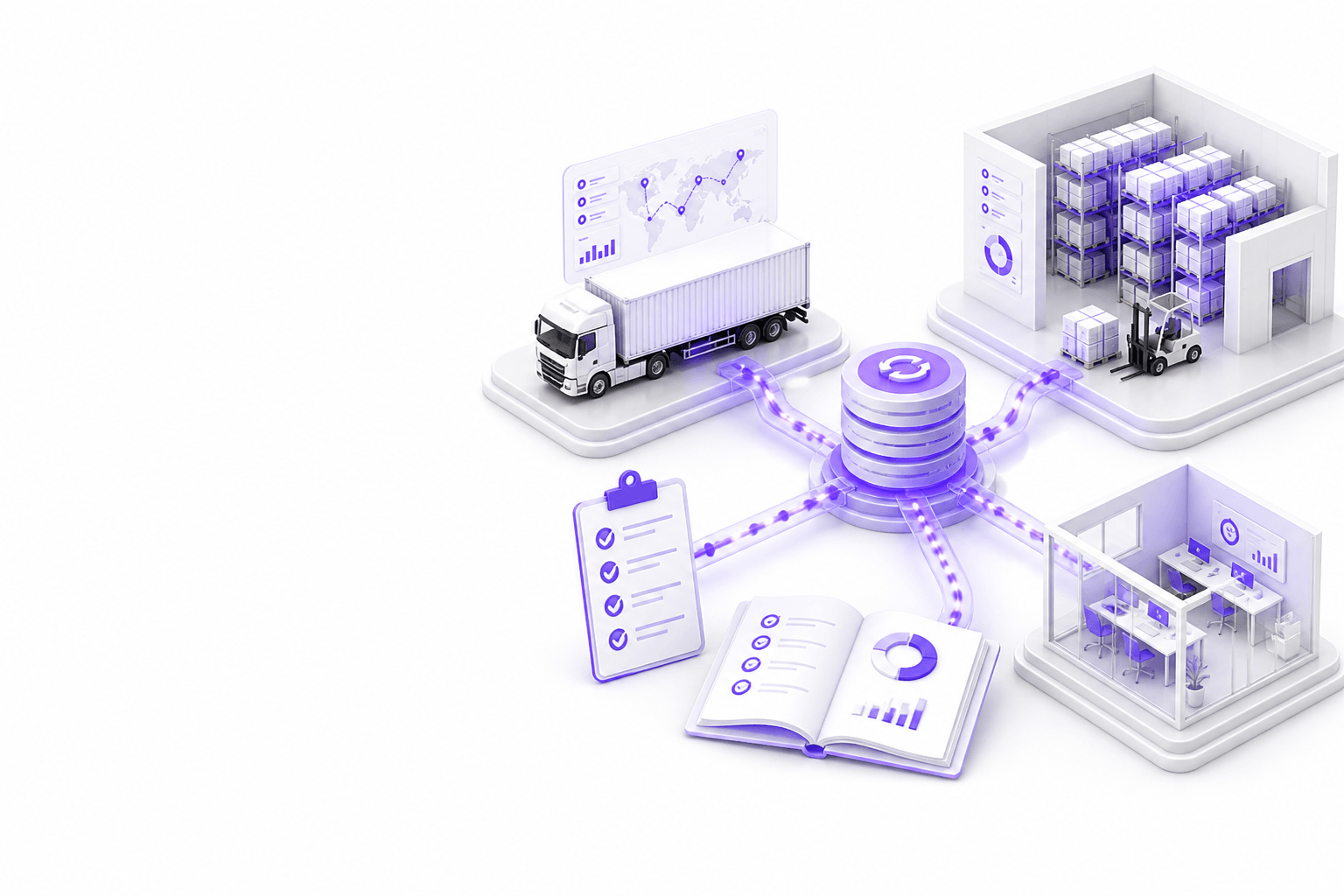

Resumen del playbook
Verifique propiedad de sistemas y fuente de verdad por entidad, opciones API y archivo con muestras sandbox, alineación de datos maestros, eventos shipment/order/stock mapeados con idempotencia, cuarentena y reintentos, autenticación y auditoría, harness de prueba, monitorización en producción y contingencia manual documentada.
- Un propietario por entidad, evitar masters duales
- Prototipo en muestras reales EDI, XML, CSV, SFTP o API
- Cuarentena con herramientas de corrección operador
- Monitorizar lag, errores y conciliación diariamente
- Documentar rollback antes del cutover de temporada alta
Respuesta directa
¿Qué verificar antes de integrar TMS, WMS y ERP?
Verifique propiedad de sistemas y fuente de verdad por entidad, opciones API y archivo con muestras sandbox, alineación de datos maestros, eventos shipment/order/stock mapeados con idempotencia, cuarentena y reintentos, autenticación y auditoría, harness de prueba, monitorización en producción y contingencia manual documentada.
- Un propietario por entidad, evitar masters duales
- Prototipo en muestras reales EDI, XML, CSV, SFTP o API
- Cuarentena con herramientas de corrección operador
- Monitorizar lag, errores y conciliación diariamente
- Documentar rollback antes del cutover de temporada alta
System ownership
Every integration argument starts with ownership. Decide which system creates, updates, and archives shipments, orders, inventory, charges, and documents before mapping fields.
- Assign owner system per entity: shipment, order, line, stock, charge
- Document read-only vs read-write roles for each connected system
- Identify legacy systems that cannot be replaced in phase one
- Confirm vendor contacts and upgrade windows for TMS, WMS, ERP
- Align ownership with finance and operations leadership
- Record decisions in architecture doc accessible to support teams
- Review ownership when adding portals or automation layers
Source of truth
Source of truth defines which status, quantity, or charge is authoritative when systems disagree. Without it, portals and towers show conflicting answers.
- Define authoritative milestone set for customer-facing status
- Specify which inventory figure WMS vs ERP reports externally
- Document charge calculation owner: TMS, ERP, or middleware
- Plan conflict resolution when feeds disagree
- Set freshness SLA per data type for downstream consumers
- Avoid copying master data into multiple writable stores
- Validate truth rules with customer service and dispatch
API availability
API maturity varies by vendor and tenant. Inventory available endpoints, auth models, rate limits, webhooks, and sandbox fidelity before estimating build effort.
- List required operations: read status, create order, confirm ship, etc.
- Obtain API docs, credentials, and sandbox for each system
- Test rate limits and pagination on realistic volumes
- Confirm webhook or polling strategy for near-real time needs
- Document version deprecation notices from vendors
- Plan middleware if direct API-to-API is impractical
- Capture gaps where only batch files exist
EDI, XML, CSV and SFTP options
Many logistics integrations still run on EDI, XML, CSV, or SFTP drops. Treat file specs as contracts, with validation, archives, and replay.
- Collect partner implementation guides and sample files
- Document delimiter, encoding, and filename conventions
- Define acknowledgment and error report formats
- Archive inbound and outbound files with retention policy
- Validate schema before processing, reject early
- Plan reprocessing for corrected files without duplicates
- Secure SFTP keys and rotate per security policy
Master data alignment
Integrations break on mismatched party IDs, locations, SKUs, and service codes. Master data alignment is ongoing. Not a one-time migration task.
- Map customer, carrier, location, and product identifiers cross-system
- Define process for new account or SKU onboarding
- Plan golden record or sync rules for parties and addresses
- Handle aliases and legacy codes used by specific carriers
- Schedule periodic reconciliation reports for master data drift
- Assign data steward for exception resolution
- Test mapping with top accounts and highest-volume SKUs
Shipment, order and stock event mapping
Event mapping translates operational reality into messages each system understands, ship confirm, pick complete, POD, invoice line, inventory adjustment.
- List events per workflow: create, update, cancel, close
- Map event fields to target schema with transformation rules
- Define idempotency keys to prevent duplicate processing
- Document partial shipment and backorder behavior
- Align milestone names with customer portal language
- Handle timezone and cut-off rules explicitly
- Version mappings when vendors change code lists
Error handling
Errors are normal at logistics boundaries. Design quarantine, retry, notification, and exception fixes from the team. Not silent failure or infinite retry loops.
- Categorize errors: validation, auth, timeout, business rule
- Build quarantine queue with reason codes and payload view
- Set retry policy with exponential backoff and max attempts
- Notify owners when error rate exceeds threshold
- Allow reprocess after fix without duplicate side effects
- Log correlation IDs across systems for support
- Review top error patterns weekly during pilot
Security and authentication
Integration credentials are high value targets. Use least privilege, secret rotation, and network controls appropriate to customer requirements.
- Store secrets in managed vault. Not source code
- Use OAuth, API keys, or certificates per vendor best practice
- Restrict IP allowlists where SFTP or fixed endpoints apply
- Separate production and non-production credentials
- Audit credential access and rotation schedule
- Encrypt data in transit; consider at-rest for queued payloads
- Align with customer security questionnaires early
Audit logs
Audit logs support disputes, compliance, and debugging. Log who triggered syncs, what changed, and which integration version ran.
- Log inbound/outbound message IDs and timestamps
- Record transformation version and mapping applied
- Track manual reprocess actions with user identity
- Retain logs per contract and regulatory needs
- Make shipment-level trace available to support tools
- Exclude sensitive fields from logs where required
- Test log search during UAT scenarios
Testing
Integration testing needs fixture libraries, negative cases, and peak-volume rehearsal. Not only happy-path demos.
- Build fixture set from anonymized production samples
- Test duplicate, missing reference, and partial updates
- Simulate vendor timeout and auth failure
- Run load test on batch windows if applicable
- Include regression suite in CI for mapping changes
- UAT with logistics companies on real exception cases
- Sign off criteria tied to sync accuracy. Not ticket closure
Monitoring
Production monitoring covers lag, error rates, queue depth, and reconciliation gaps, visible to integration owners before customers notice.
- Dashboard lag per feed and entity type
- Alert on error rate, queue depth, and stale data
- Daily reconciliation report for critical entities
- Runbook links from alerts to first-response steps
- On-call rotation for integration incidents
- Review monitoring after TMS/WMS upgrades
- Track mean time to resolve quarantined records
Fallback processes
When integration fails during peak, logistics teams need manual paths that preserve service levels without corrupting systems of record.
- Document manual entry procedure per critical workflow
- Define when to disable automation vs switch to read-only
- Communicate customer impact templates for delays
- Plan catch-up sync after outage resolution
- Rehearse rollback before peak season cutover
- Assign decision maker for fallback activation
- Post-incident review feeds mapping and monitoring improvements
Implementación
Checklist práctica de implementación
- Confirm system ownership and source of truth per entity
- Prototype transforms on real API, EDI, XML, CSV, or SFTP samples
- Ship quarantine, monitoring, and audit before broad rollout
- Test negative cases and peak-volume scenarios in UAT
- Document fallback and rollback before production cutover
Trampas
Errores habituales que evitar
Dobles masters sin disciplina de sync
Dejar que portales o middleware escriban envíos mientras el TMS también escribe crea estados conflictivos y disputas de facturación caras de deshacer.
Ignorar integraciones basadas en archivos
Asumir que existen API cuando los partners solo envían CSV por SFTP retrasa proyectos hasta tratar specs de archivo y validación como diseño de primer nivel.
Sin herramientas de cuarentena para logistics companies
Enviar cada mensaje erróneo a tickets de IT satura el soporte; los equipos logísticos necesitan UI para corregir referencias y reprocesar con seguridad.
Cutover sin ensayo de pico
Salir a producción antes del pico festivo sin prueba de carga ni plan de rollback arriesga parálisis operativa cuando suben las tasas de error.
FAQ
Preguntas frecuentes
Does this checklist apply to EDI-only environments?
Yes. Ownership, master data, event mapping, error handling, monitoring, and fallback apply whether transport is API, EDI, XML, CSV, or SFTP. Format changes; discipline does not.
Should ERP integration wait until TMS and WMS are stable?
Often finance integration follows operational sync, but define charge and invoice ownership early so TMS milestones do not conflict with ERP billing rules later.
How long should integration pilot run?
Long enough to see daily exceptions, a weekly reconciliation cycle, and at least one vendor or process change. Many teams pilot four to eight weeks before expanding scope.
When is custom middleware justified?
When multiple systems need canonical events, validation, and quarantine in one place, or when vendor APIs cannot support portal and automation workloads directly.
Servicios relacionados
Service
Desarrollo de software logístico
Desarrollo a medida de software logístico para transportistas, almacenes, transitarios, 3PL y equipos de supply chain que necesitan productos digitales fiables.
Service
Desarrollo de software de cadena de suministro
Visibilidad de red, vistas de planificación y coordinación con socios o proveedores sobre inventario y envíos, conectado a TMS, WMS y ERP.
Service
Integraciones TMS y WMS
4RTY conecta sistemas logísticos, portales, dashboards y workflows mediante integraciones TMS, WMS, ERP, API y ficheros pragmáticas.
Service
Portales logísticos a medida
Autoservicio de marca para clientes, transportistas y socios: reservas, seguimiento, documentos y colaboración, conectado a TMS, WMS y ERP.
Casos de uso relacionados
Solution
Integración TMS, WMS y ERP para operaciones logísticas
4RTY construye integraciones TMS, WMS y ERP para operaciones logísticas: sincronización de pedidos, inventario, envíos, hitos y datos financieros entre sistemas operativos.
Solution
Desarrollo de portales de clientes para empresas logísticas
4RTY desarrolla portales de clientes logísticos para visibilidad de envíos, acceso a documentos, solicitudes de reserva y self-service operativo conectado al TMS, WMS y ERP.
Guides relacionados
Guide
Guía de integración TMS/WMS para productos logísticos
Guía de producto e ingeniería para integración TMS/WMS: límites de entidades, modelos de sync, handoffs de pedidos e inventario, validación, monitorización y cutover sin romper operaciones.
Guide
Guía de integración TMS para equipos logísticos
Guía práctica de integraciones TMS: API, EDI, XML, CSV, portales, dashboards, workflows de automatización y riesgos de implementación.
Guide
Guía de portales de clientes logísticos
Guía práctica para planificar, diseñar y construir un portal de clientes para empresas logísticas: workflows, funcionalidades, integraciones de sistemas, UX y despliegue.