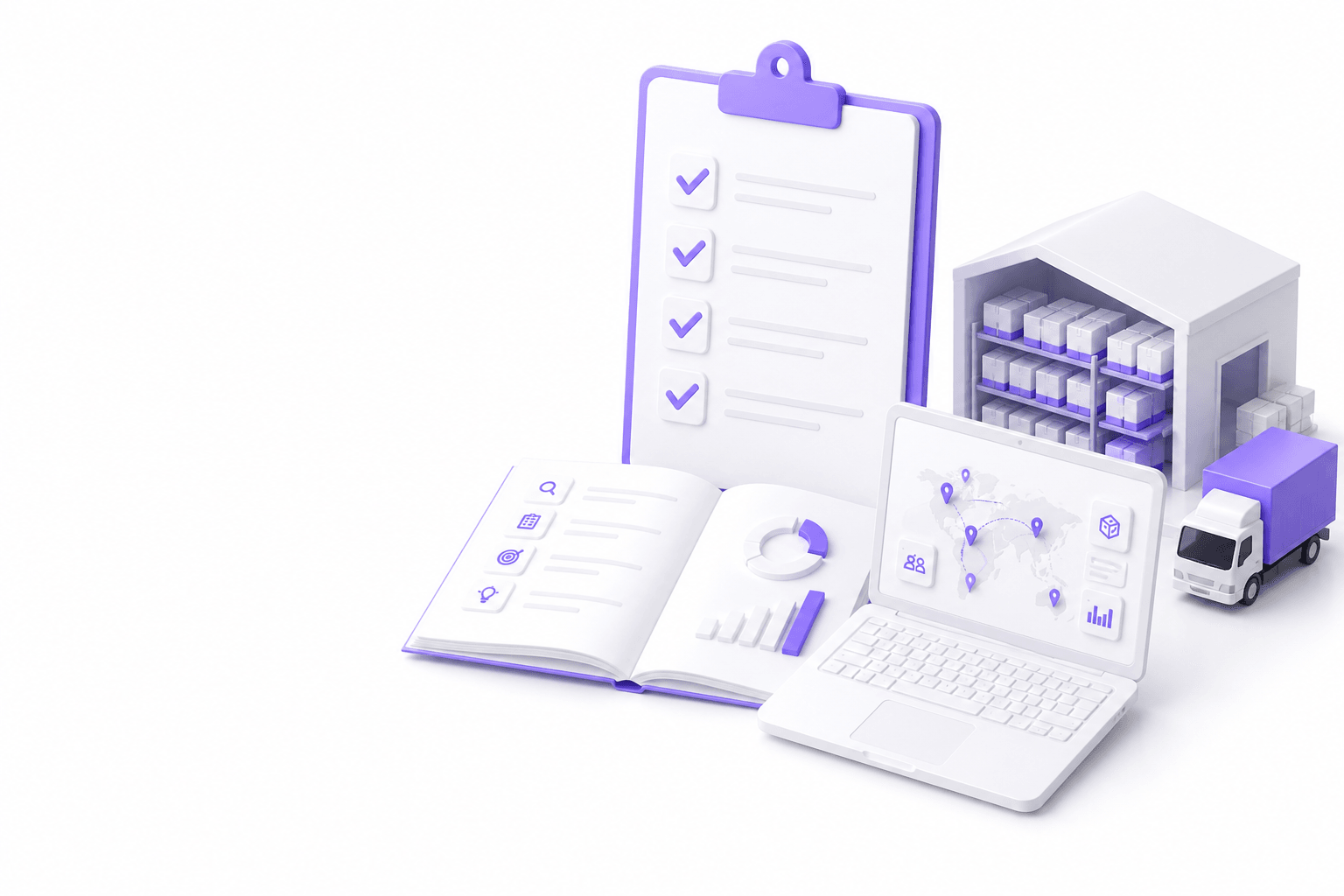
플레이북 요약
비즈니스 성과와 워크플로 담당자를 확인하고, TMS/WMS/ERP 접점을 매핑하며, 데이터 소유와 MVP 범위를 정의하고, 실제 메시지로 통합을 계획하고, 역할 기반 보안과 감사 로그를 설계하고, 인간 검토가 있는 AI/자동화 준비를 평가하며, KPI 담당자가 있는 런칭 runbook을 문서화하세요.
- 운영자와 디스커버리: IT 기능 목록만이 아님
- 모듈 확장 전 완전한 MVP 워크플로 하나
- UI 확정 전 통합 증명
- 보안과 감사를 조기 설계
- 측정 가능한 ops KPI로 런칭 및 반복
직접 답변
맞춤 소프트웨어 전에 물류 팀은 무엇을 확인해야 하나?
비즈니스 성과와 워크플로 담당자를 확인하고, TMS/WMS/ERP 접점을 매핑하며, 데이터 소유와 MVP 범위를 정의하고, 실제 메시지로 통합을 계획하고, 역할 기반 보안과 감사 로그를 설계하고, 인간 검토가 있는 AI/자동화 준비를 평가하며, KPI 담당자가 있는 런칭 runbook을 문서화하세요.
- 운영자와 디스커버리: IT 기능 목록만이 아님
- 모듈 확장 전 완전한 MVP 워크플로 하나
- UI 확정 전 통합 증명
- 보안과 감사를 조기 설계
- 측정 가능한 ops KPI로 런칭 및 반복
Discovery checklist
Discovery confirms why software is needed, who owns workflows today, and what success looks like without inventing ROI statistics. Interview dispatch, warehouse, customer service, finance, and IT on how work actually flows.
- Document top manual workflows ranked by pain and volume
- Identify workflow owners and escalation paths
- Inventory systems of record: TMS, WMS, ERP, CRM, carrier feeds
- Capture peak-season constraints and change freeze windows
- Define measurable outcomes: less email, faster exceptions, fewer rekeys
- List regulatory, customer, or partner requirements affecting scope
- Confirm budget, timeline, and internal capacity for product ownership
Workflow mapping checklist
Workflow maps connect triggers, human decisions, system writes, and notifications. They prevent building screens that duplicate TMS or WMS responsibilities without adding operational value.
- Map trigger → steps → outcome for each priority workflow
- Mark human vs automated steps and approval gates
- Note systems touched per step and read vs write actions
- Document failure modes: missing refs, duplicates, partial data
- Define exception handling and who resolves quarantined records
- Align swimlanes by role: dispatch, warehouse, CS, finance
- Validate maps with logistics teams who run the workflow daily
TMS/WMS/ERP integration checklist
Integration planning decides which system owns shipments, inventory events, charges, and documents. Prototype on real API, EDI, XML, CSV, or SFTP samples before committing UI scope.
- Define canonical owner per entity: shipment, order, stock, charge, document
- Collect sample inbound/outbound messages from each system
- Document API limits, sandbox availability, and vendor upgrade windows
- Plan idempotency keys and duplicate detection at boundaries
- Design quarantine queue with tools so the team can fix exceptions
- Specify sync direction, frequency, and acceptable lag per workflow
- Document cutover, rollback, and manual fallback for peak periods
Data model checklist
Data models should reflect logistics reality, accounts, lanes, service products, milestones, charges, and documents. Not generic CRUD tables copied from unrelated products.
- Align entities to operational language logistics teams already use
- Define identifiers shared across TMS, WMS, ERP, and portals
- Document milestone and status vocabularies with definitions
- Plan historical retention for audit and dispute resolution
- Separate operational store from analytics if freshness differs
- Identify master data sources for parties, locations, and products
- Validate model against three real shipment or order examples
MVP scope checklist
MVP means one vertical slice complete end to end. Not half a portal plus half an integration. Defer adjacent modules until adoption and sync health are proven.
- Select one workflow with clear owner and measurable outcome
- Define in-scope users, accounts, regions, or lanes for pilot
- Write explicit out-of-scope list to prevent creep
- Confirm MVP includes read and write paths if promises require it
- Set acceptance criteria logistics teams can test on real Monday work
- Plan pilot cohort size and feedback cadence
- Agree go/no-go metrics before phase two funding
Security and access checklist
Customer and carrier portals need tenant isolation, role-based access, and audit trails for uploads, downloads, and admin changes. Internal dashboards need least-privilege views.
- Define roles: customer, carrier, partner, internal by function
- Map document and data permissions per role and account
- Plan SSO, MFA, and session policies where required
- Specify audit logs for login, download, upload, and admin actions
- Review encryption in transit and at rest for sensitive documents
- Threat-model external portals separately from internal apps
- Align with customer RFP security questions before build
AI and automation readiness checklist
Automation and AI layers succeed when data quality, exception volume, and human review paths are understood first. Not when models are added to unstable workflows.
- Identify workflows with high repetitive manual volume
- Assess document and message quality for extraction or classification
- Define human review review for for customers outputs
- Plan confidence thresholds and escalation to logistics companies
- Document audit requirements for automated writes to TMS/WMS
- Start with rules or assisted workflows before autonomous agents
- Assign owner for monitoring false positives and drift
Launch readiness checklist
Launch readiness covers training, runbooks, monitoring, and rollback. Not only feature completion. Avoid big-bang launch before peak without rehearsal.
- Complete UAT with logistics companies on real cases
- Publish runbooks for sync failures and manual fallback
- Configure monitoring: lag, error rate, quarantine depth
- Train pilot users and support teams on new workflows
- Prepare customer communication if status or portal changes
- Schedule cutover outside peak or with rollback triggers defined
- Verify on-call ownership for integration and application issues
Post-launch improvement checklist
Post-launch work ties iterations to adoption and integration health. Not only stakeholder feature requests. Review after peak to capture volume-related issues.
- Track KPIs agreed at discovery: handling time, email volume, quarantine rate
- Review integration health weekly during first quarter
- Gather feedback from logistics teams with structured backlog grooming
- Plan phase two only after MVP metrics meet thresholds
- Update documentation when mappings or workflows change
- Retest integrations after TMS/WMS vendor upgrades
- Schedule retrospective after first peak season on new software
구현
실용 구현 체크리스트
- Confirm workflow owners and success metrics in writing
- Map TMS/WMS/ERP ownership and prototype one integration path
- Bound MVP to one complete vertical slice
- Design security, audit, and role model before UI polish
- Launch with monitoring, runbooks, and post-launch KPI owners
함정
피해야 할 흔한 실수
통합보다 화면부터 시작하기
실제 TMS 또는 WMS 메시지에서 검증된 읽기/쓰기 경로 없이 UI 목업을 만들면, 데이터 소유권이나 동기화 지연이 약속한 워크플로를 막을 때 재작업이 생깁니다.
너무 넓은 MVP
부분 포털, 부분 통합, 부분 대시보드를 함께 출시하면 팀 집중이 분산되고 측정 가능한 채택이 늦어집니다.
불량 데이터 격리 경로 없음
불일치 참조를 고칠 물류 회사 도구가 없으면 팀은 모든 EDI 또는 API 예외에 IT 티켓을 열고 자동화에 대한 신뢰를 잃습니다.
보안을 마지막에 추가하기
구축 후 테넌트 격리, 감사 로그, 문서 권한을 뒤늦게 넣으면 출시가 지연되고 고객 보안 검토에 실패합니다.
FAQ
자주 묻는 질문
When should logistics companies use this checklist?
Use it during RFP preparation, internal business case review, vendor discovery, and before approving MVP scope. Revisit at integration design, pre-launch, and after the first operational month.
Does this checklist replace a technical architecture document?
No. It ensures business and engineering align on prerequisites. Architecture documents detail components, APIs, and deployment, this checklist confirms those decisions match real workflows and systems.
How does this relate to build vs buy decisions?
Discovery and MVP sections help you decide whether licensed TMS, WMS, or portal products cover the workflow or whether custom software creates advantage. Pair with a build vs buy comparison when budget owners need framing.
Should AI be in MVP scope?
Only when data quality, review UX, and audit paths are ready. Many teams ship integration and portal MVP first, then add document automation or agents on stable feeds.
관련 서비스
관련 플레이북
Guide
물류 소프트웨어 개발이란?
물류 소프트웨어 개발의 명확한 정의: TMS, WMS, ERP 통합, 고객·운송사 포털, 대시보드, 자동화, AI, build vs buy, 현대 물류 운영을 위한 실무 계획 체크리스트.
Guide
물류 소프트웨어 개발 비용: 예산에 영향을 주는 요인
물류 소프트웨어 개발 비용에 영향을 주는 요인: 복잡도, TMS·WMS 통합, 포털, 대시보드, AI, 데이터 마이그레이션, 보안, MVP vs 전체 플랫폼, 허위 보장 없이 예산을 계획하는 방법.
Guide
물류 플랫폼 소프트웨어 개발 계획
물류 플랫폼 소프트웨어 개발 계획, discovery, 워크플로 매핑, MVP 범위, 아키텍처, 데이터 모델, TMS·WMS 통합, UI/UX, 보안, 테스트, 출시 로드맵, 출시 후 반복.